
Bart Support
Error screens
Learn more about ‘Error Screens‘ and their meaning on the intranet
Error Screen – 404 error
Steps
- When navigating around the ‘Intranet‘ or selecting a ‘Link‘ you may discover the following screen:
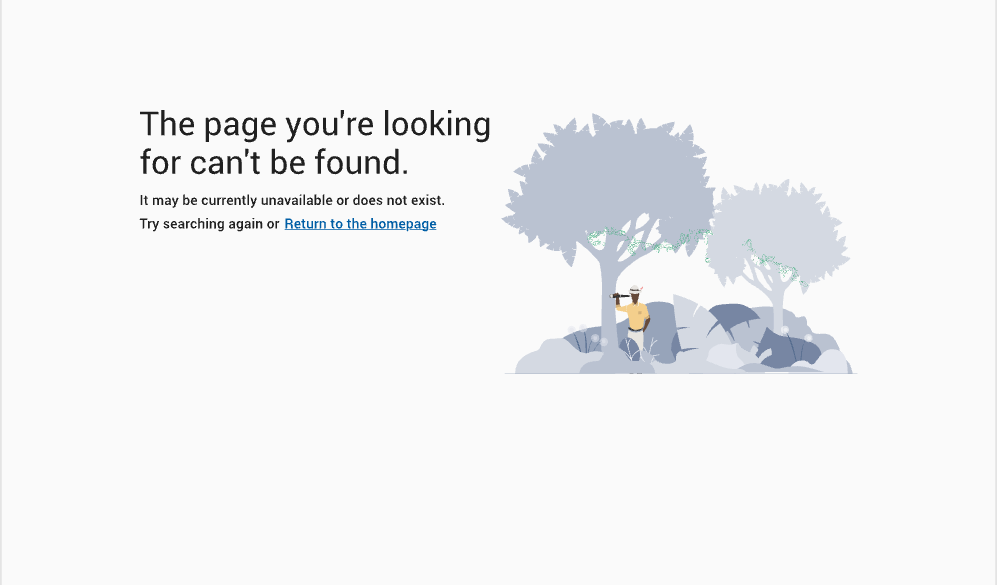
404 Error
- This is known as a ‘404 Error‘ and will appear when the computer tries to find the webpage you were looking for but couldn’t find it anywhere.
- As a result this page ‘No longer exists‘
Error Screen – 403 error
Steps
- When navigating around the ‘Intranet‘ or selecting a ‘Link‘ you may discover the following screen:
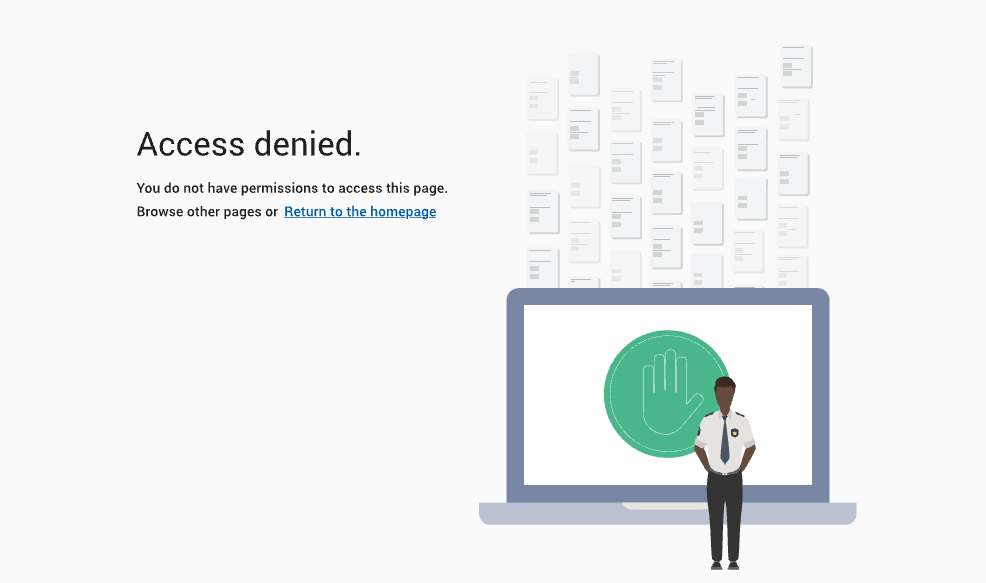
403 Error screen
- This is known as a ‘403 Error‘ and will appear when you have tried to ‘Access‘ a page that you do not have the permissions to see.
- As a result you will not be able to ‘Access‘ and view the contents on this page.
Error Screen – 401 error
Steps
- When navigating to the ‘Intranet’ and attempting to authenticate you may be presented with a 401 error:

401 authorization required error message
- This is a known intermittent error with authentication to the ‘Intranet’. To bypass the error, close your browser and attempt to access the ‘Intranet’ again.
- Contact your ‘Intranet’ support team and advise them of the issue or alternatively raise a ticket via our service desk.
Error Screen – 500 errors
Steps
- When navigating around the ‘Intranet‘ or selecting a ‘Link‘ you may be presented with a 500 error. These errors come in many different forms e.g. ‘HTTP 500 Internal Server Error’, 502, 503, 504. Each error specifices a separate problem but the common denominator they share is telling you something is wrong with the ‘Intranet‘ servers.
- If you receive a 500 error please contact your ‘Intranet‘ administration team or raise a ticket on our service desk.
Couldn't find what you're looking for?
We're here to help. Please raise a support request via our help desk and we'll get back to you asap